
Vue3 の Composition API で setInterval を使って、ブラウザ上に表示させるタイマーを実装していきます。
前提条件
- node.js (18.0以上) インストール済
- Vue3 の Composition API を使用
- Ubuntu上で作業しています
仕様概要
- 「開始」ボタン押下でタイマー稼働
- 「停止」ボタン押下でタイマー停止
- 「リセット」ボタン押下で時間が0になる
- 時間は「開始」ボタン押下後の累積計測時間を表示
- 時間は秒の小数点以下2桁まで表示
- タイマー停止中は時間は計測しない
- 「開始」ボタンはタイマー停止中のみ表示
- 「停止」ボタンはタイマー稼働中のみ表示
- 「リセット」ボタンはタイマー停止中のみ表示
プロジェクト作成
新規プロジェクト「vue3-timer」を作成します。
npm init vue@latest「Project name:」の項目でプロジェクト名を入力します。
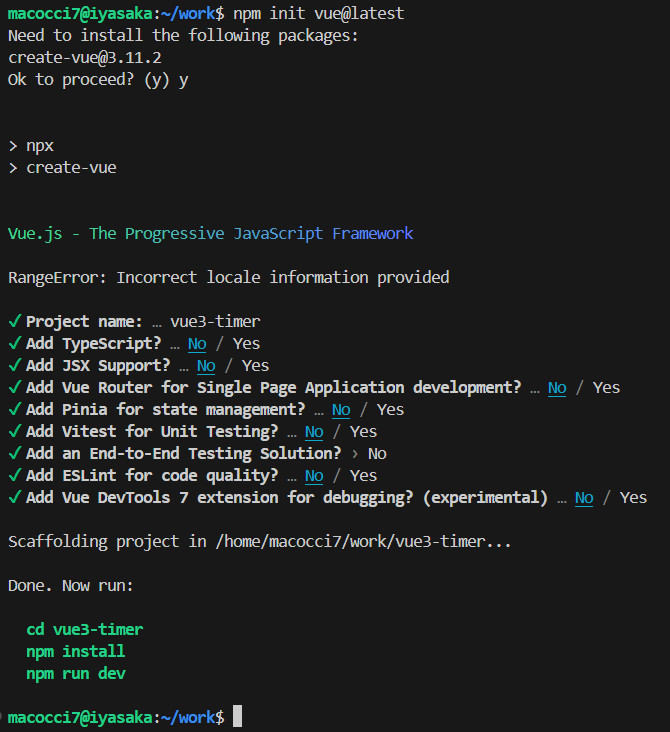
プロジェクトフォルダ「vue3-timer」に入って
依存パッケージをインストールします。
cd vue3-timer
npm install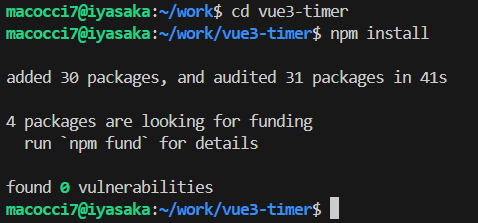
開発サーバーを起動します。
npm run dev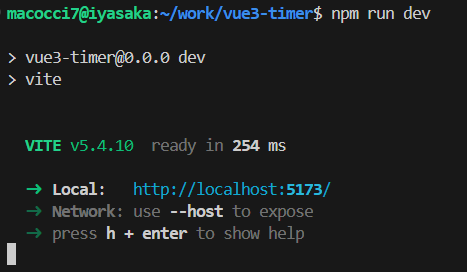
WEBブラウザで http://localhost:5173/ にアクセスします。
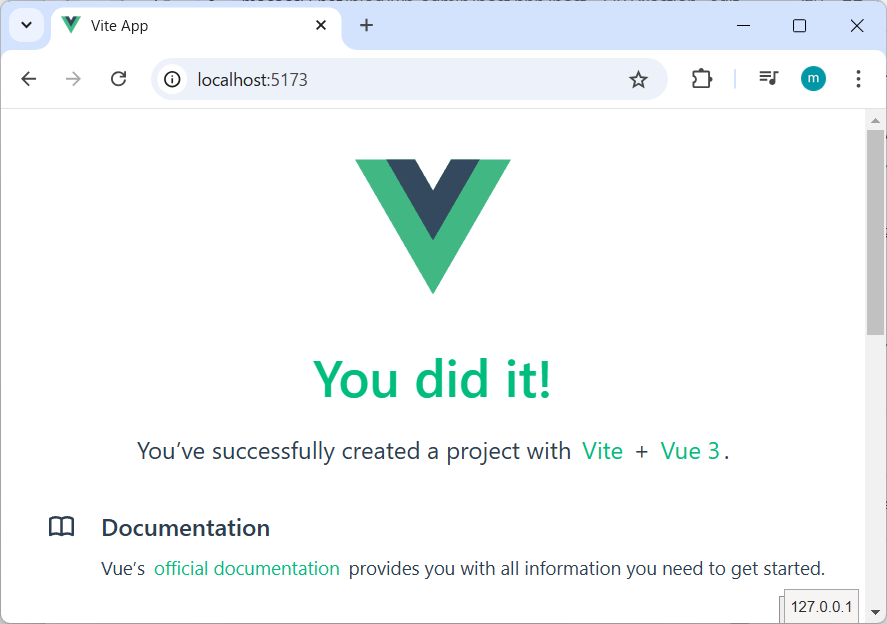
Vue3のデフォルトページが表示されました。
タイマー実装
▼「src/App.vue」を編集
<script setup>
import { ref, onBeforeUnmount } from 'vue';

const time = ref(0);
const interval = ref(null);
const isStarted = ref(false);

const startTimer = () => {
  isStarted.value = true;
  interval.value = setInterval(() => {
    time.value += 0.01;
  }, 10);
};
const stopTimer = () => {
  isStarted.value = false;
  clearInterval(interval.value);
};
const resetTimer = () => {
  time.value = 0;
};

onBeforeUnmount(() => clearInterval(interval.value));
</script>

<template>
  時間: {{ time.toFixed(2) }} 秒
  <button v-if="!isStarted" @click="startTimer">開始</button>
  <button v-if="isStarted" @click="stopTimer">停止</button>
  <button v-if="!isStarted" @click="resetTimer">リセット</button>
</template>
各変数をリアクティブにするために ref() を使っているので、
各変数の値は [変数名].value で扱います。
したがって、
interval.value = setInterval(() => {…})
clearInterval(interval.value)
のような記述になります。
template側での出力は、少数点以下2桁にするために
time.toFixed(2)
としています。
動作確認
WEBブラウザで http://localhost:5173/ をリロードします。

タイマーが表示されました。
動作は次の動画のようになります。
以上です。
- 1
- 0
- 0
- 0


コメント